SOCIAL STUDIO / COMPARE
Social Studio vs Planoly
Planoly is a creator-friendly planner with unlimited uploads, a link-in-bio page and a built-in store. Social Studio is built for getting posts reviewed and approved before they publish. Here is a side-by-side look.
At a glance
| Social Studio | Planoly | |
|---|---|---|
| Starting price | Free for 1 brand. Advanced $19/month; Pro $49/month. | Starter $14, Growth $24 and Pro $47 per month. 14-day free trial. |
| Free plan | 30 post slots a month on the web, with reviews and agent access. | Free on the mobile app with 10 uploads a month. |
| Review and approval | Exact-version approvals on every plan. Client review links, including one link for a whole week or month, on paid plans with unlimited external reviewers. | Comments and @mentions on saved posts on paid plans. Its team help page does not describe an approval status. |
| Brands and users | 3 brands and 3 members on Advanced; 10 and 10 on Pro. | 1 social set and 1 user on Starter; 2 and 2 on Growth; 6 and 6 on Pro. |
| Publishing | Facebook, Instagram, YouTube and TikTok, with provider permissions and limits. Other networks are for planning and manual publishing. | Instagram, Facebook, X, Pinterest, LinkedIn, YouTube, Threads and TikTok. |
| Link in bio and store | Not included. | Link-in-bio page and a storefront for digital and physical products on every plan. |
Planoly details from its public pages, checked October 22, 2026: Planoly pricing, Planoly: work with your team. Prices are in USD before tax and can change; check their site for current terms. Planoly is a trademark of its owner, and Social Studio is not affiliated with it.
Where Planoly is the better fit
Choose Planoly if you are a solo creator who wants a link-in-bio page, a store to sell products, or publishing to X, Pinterest, LinkedIn or Threads. Its Starter plan is also a little cheaper than Social Studio Advanced.
Where Social Studio is the better fit
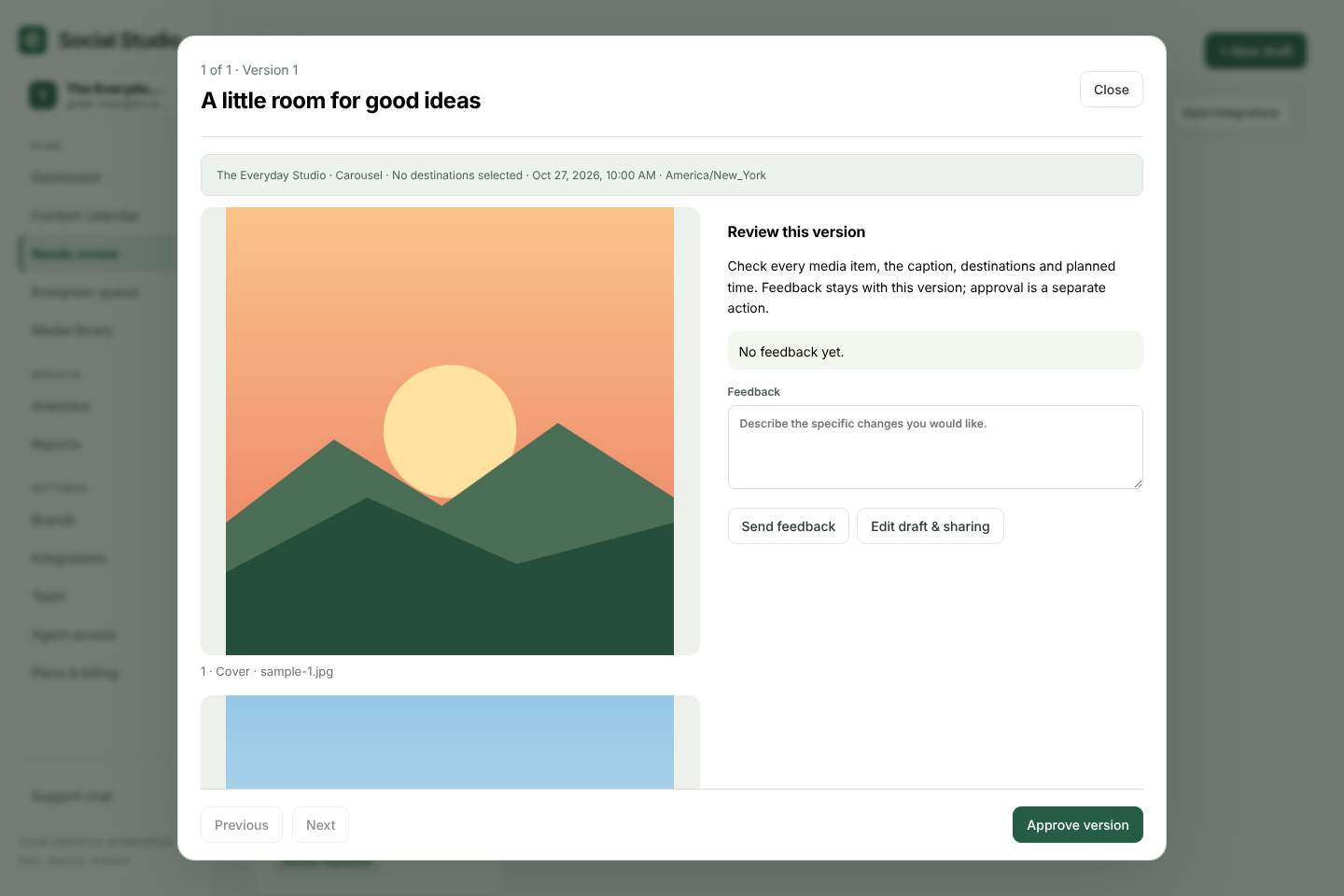
If someone else has to say yes before a post goes out, Social Studio gives that step a clear record. Reviewers approve the exact saved version, edits reopen review, and clients can approve from a private link without an account. Planoly's team tools describe comments and mentions rather than an approval status.
Getting started
Create a free workspace, add your brand, and upload the photos or videos you already have planned. The getting-started guide walks through a first draft and review.
Try it with your own posts
Create a free workspace, add a brand and plan your first post. No card needed.