SOCIAL STUDIO / FOR AGENCIES
Client approvals without the email chains.
Plan every client brand on one calendar, send content for sign-off on a private link, and publish only the version the client approved.
One workspace, every client brand
Each brand gets its own timezone, connected profiles and calendar. Pro covers 10 brands and 10 team members for $49 a month; Advanced covers 3 brands for $19. Allowances are shared across the account, and external client reviewers never use a team seat.
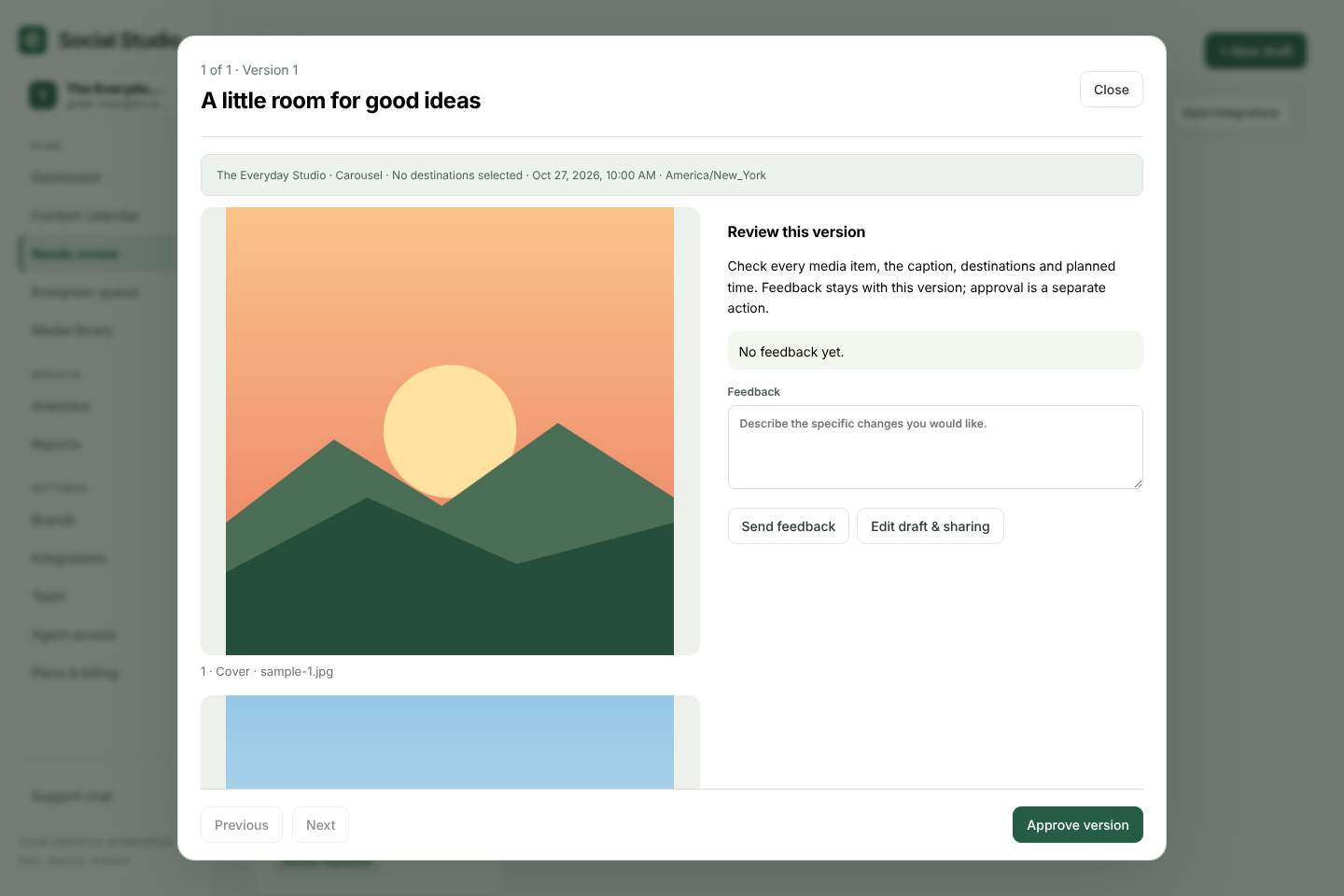
Approve a whole week from one link
From Needs review or the calendar, create a client link for a date range. Your client opens it on their phone, sees each post with its date, destinations, media and caption, and taps Approve or Request changes. Approve all needs a second tap. Links expire after seven days and can be revoked at any time.
Every approval belongs to the exact saved version. If your team edits a post afterwards, that post closes on the link and needs fresh approval, so nothing slips through on an old yes.
Keep campaigns organised
Tag posts with labels and campaigns without creating a new version, so approvals survive. Drag a post to another day on the calendar, copy a draft to another client brand, or import a month of planned posts from a CSV file as unreviewed drafts.
Reports your clients can read
Send branded weekly or monthly report emails to verified members of your workspace, and benchmark against up to five public Instagram or YouTube accounts. Available metrics depend on each platform's permissions.
What to check first
Social Studio publishes to Facebook, Instagram, YouTube and TikTok today. LinkedIn, X, Threads and Pinterest are for planning and manual publishing only, so check your clients' networks before you move. It is not a social listening tool or a shared inbox.
Try it with your own posts
Create a free workspace, add a brand and plan your first post. No card needed.